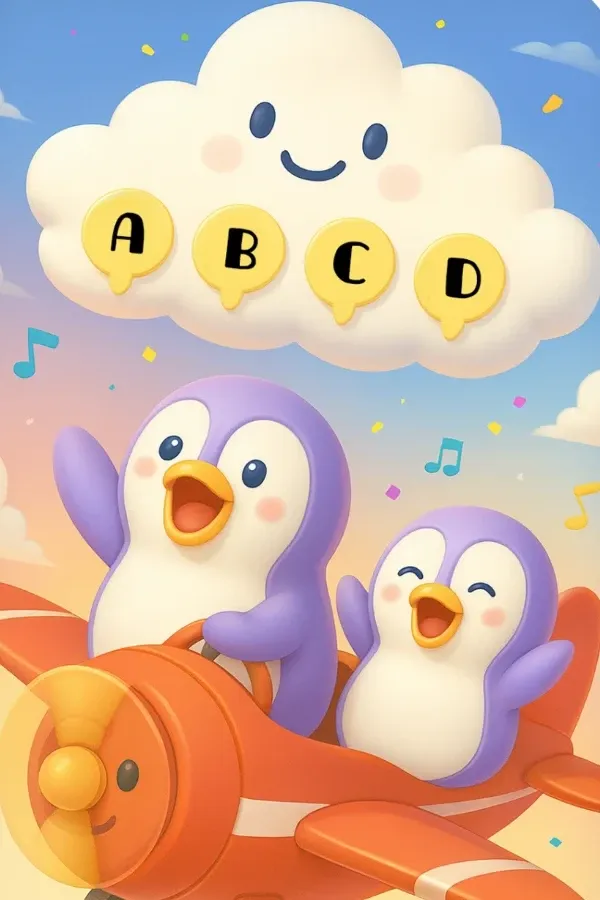
Pilot Penguin is a flying game where each word card is a checkpoint. Your child says the word in time and Perry keeps flying toward home. It is the free game in SpeechLP, so it is the easiest way to try speech practice in the app.
SpeechLP is free to download on iPhone and iPad. No iPhone?
Play in your browser
“Say each word to help Perry fly home.”
Listening
Ages 3 to 9
Free to play
Single words
Camera view option
How to play
How to play Pilot Penguin
Perry the penguin flies a small plane through a 3D sky.
1
A picture and word card appears in Perry's path.
2
Your child says the word before the plane reaches it.
3
SpeechLP listens. A word that counts keeps Perry flying; a missed word knocks him back.
4
The flight ends at home, and the practice report shows the words your child attempted.
Optional camera view. Pilot Penguin can show the front camera, so your child can watch their own mouth while saying each word.
The practice
What your child practices
Pilot Penguin uses the same target sounds and word list as every SpeechLP game.
Sounds 24 sounds + 49 blends
24 consonant sounds, including R, S, L, TH, SH, CH and K, plus 49 starting and ending blends such as BL, ST and STR. Parents choose the targets, SpeechLP can suggest them by age, or an SLP can assign them.
Word position Start, middle, end
Practice the sound at the start, middle, or end of a word.
Level Single words
Single words with pictures, from about 1,460 illustrated words.
Ages 3 to 9
Designed for children ages 3 to 9.
Feedback: SpeechLP listens to each attempt and responds in the game. The practice report afterward
lists the words and the app's feedback. It is not a diagnosis or a clinical score.
Screen-free version
Keep practicing off screen: Paper plane runway
Lay five picture cards with your child's target sound along a hallway. Your child says each word before flying a paper plane past it. Count how many words make it to the end of the runway.